
Merit criteria builder
Build the Statement of Merit Criteria from approved bilingual wording, filtered by group and level. Custom wording goes to HR for approval.
Saves time: no retyping or translating standard criteria.
Merit-based staffing for the Government of Canada
Attest takes a staffing process from the Statement of Merit Criteria to the Assessment Summary Report in one bilingual file. Type each criterion once — no more copy-paste errors between Word and Excel templates.
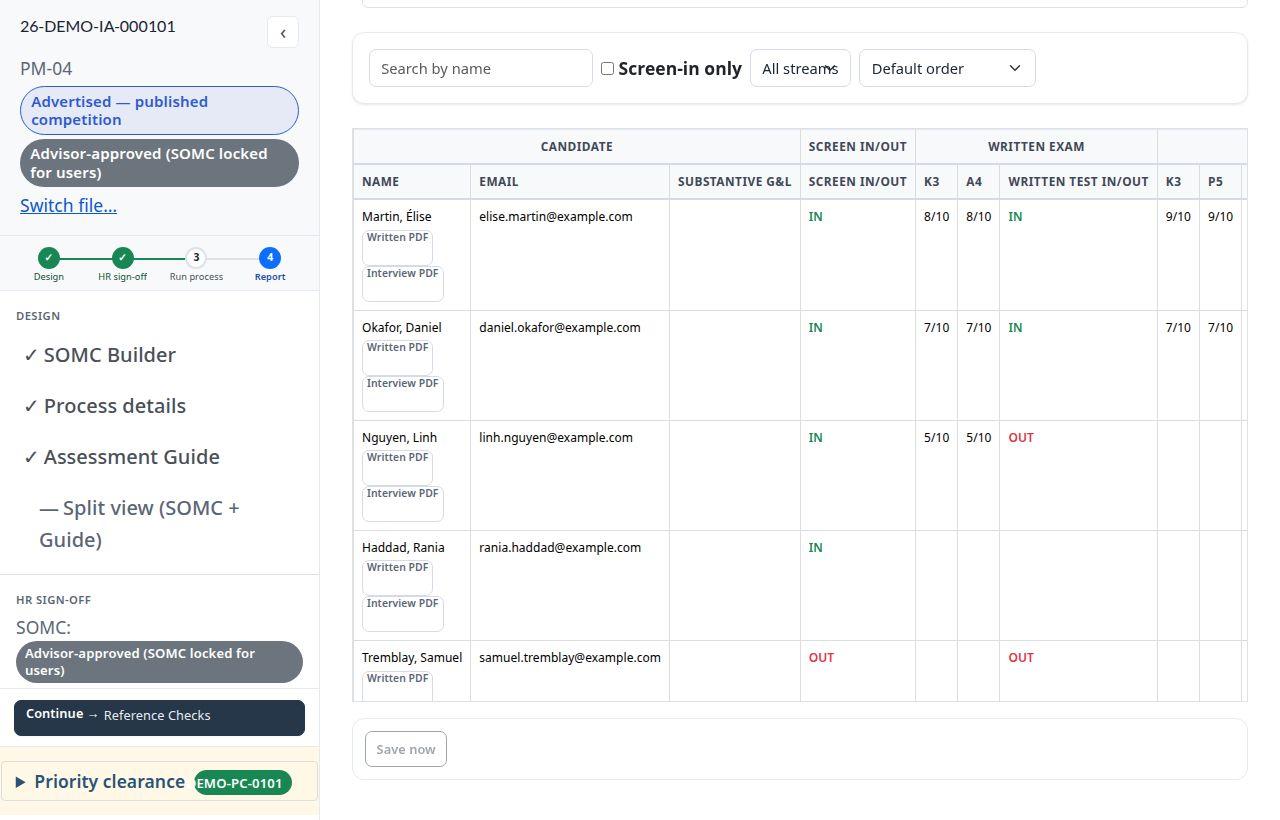
Each module picks up where the last one left off. Criteria, questions and decisions stay linked from start to finish.
Build the Statement of Merit Criteria from approved bilingual wording, filtered by group and level. Custom wording goes to HR for approval.
Saves time: no retyping or translating standard criteria.
Each criterion arrives with its methods, questions, expected answers and pass marks, drawn from your department’s reviewed question bank.
Saves time: the guide is built from the criteria, not copied from them.
Import the bulk PSRS application export. Each applicant’s answers sit beside the criterion they address; record pass or fail with keyboard shortcuts.
Saves time: no scrolling through hundreds of PDF pages per applicant.
Bilingual invitations are generated for each candidate. Secure personal links deliver online exams and referee questionnaires; scores land in one place.
Saves time: no mail merges or re-keyed scores.
The report assembles itself from decisions already recorded, with final dispositions, an audit trail and Protected B markings on every export.
Saves time: close-out without rebuilding the file from emails and spreadsheets.
In a template-based process, every criterion is retyped or pasted into each document that follows the Statement of Merit Criteria — in both official languages. Each copy is a chance for the versions to drift apart.
Count of documents in a typical advertised process that repeat the merit criteria. Your time savings depend on the number of criteria and applicants; we can measure them on one of your competitions.
With templates, each criterion is entered once in each of nine documents. With Attest it is entered once, in the merit criteria, and reused everywhere else.
Screens from a demonstration file. All names and data are fictional.
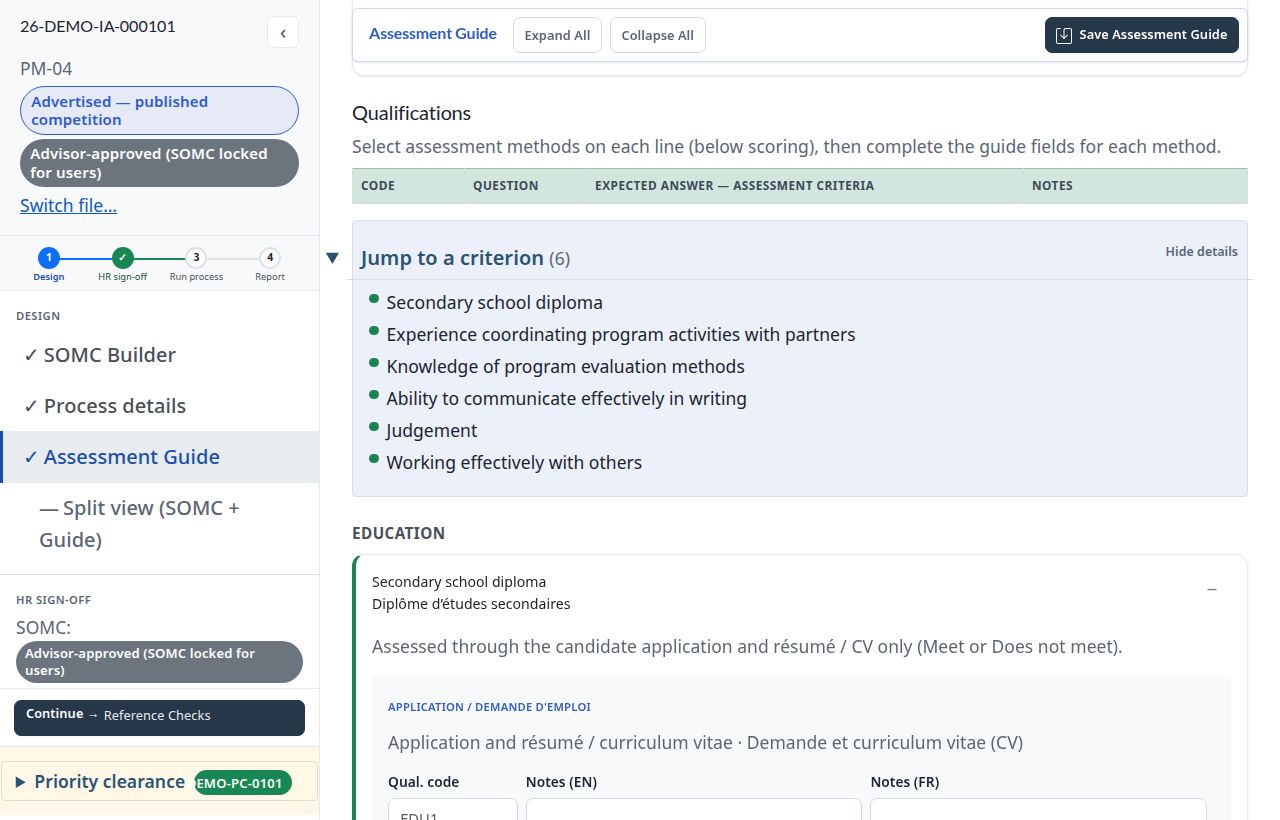
Assessment guide. Criteria flow straight in; pick methods, questions and expected answers from your reviewed question bank.
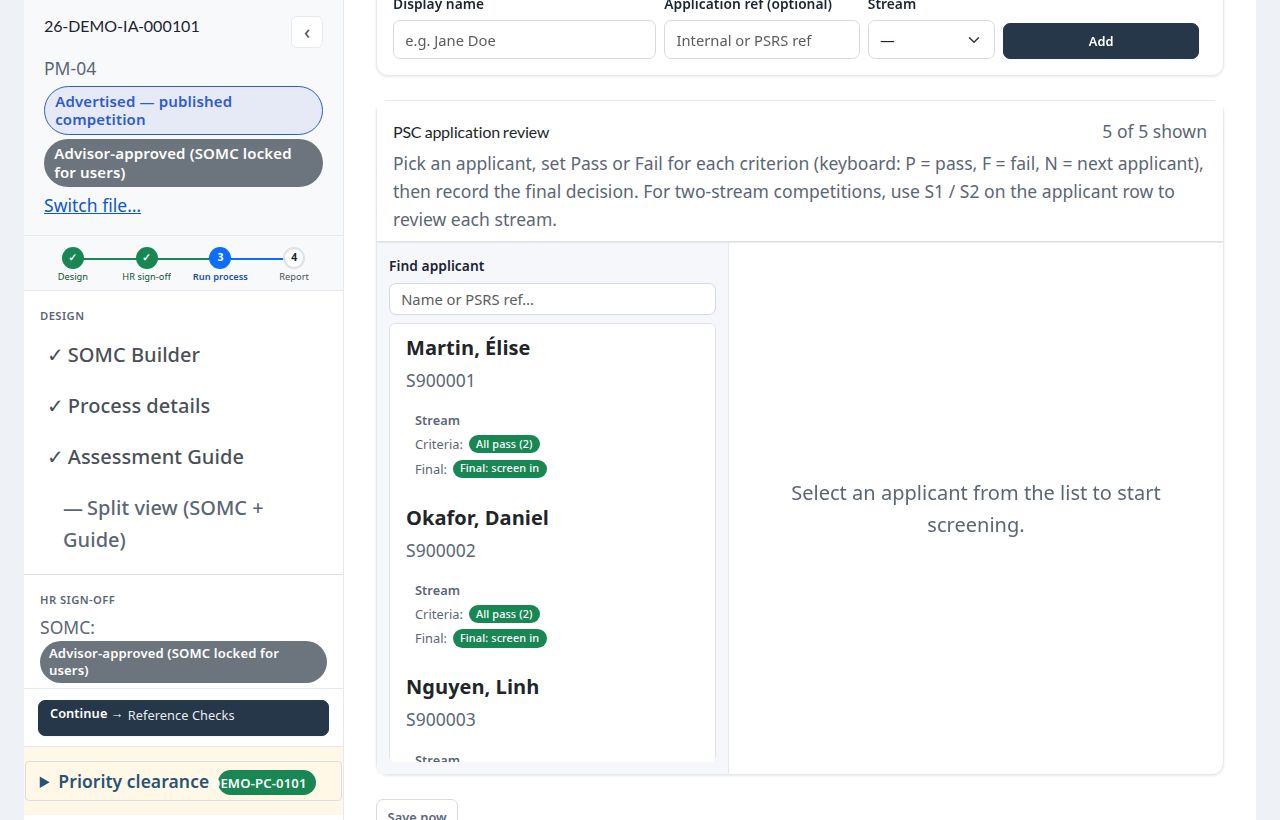
Screening. Applicants imported from PSRS, answers beside each criterion, decisions saved as you go.
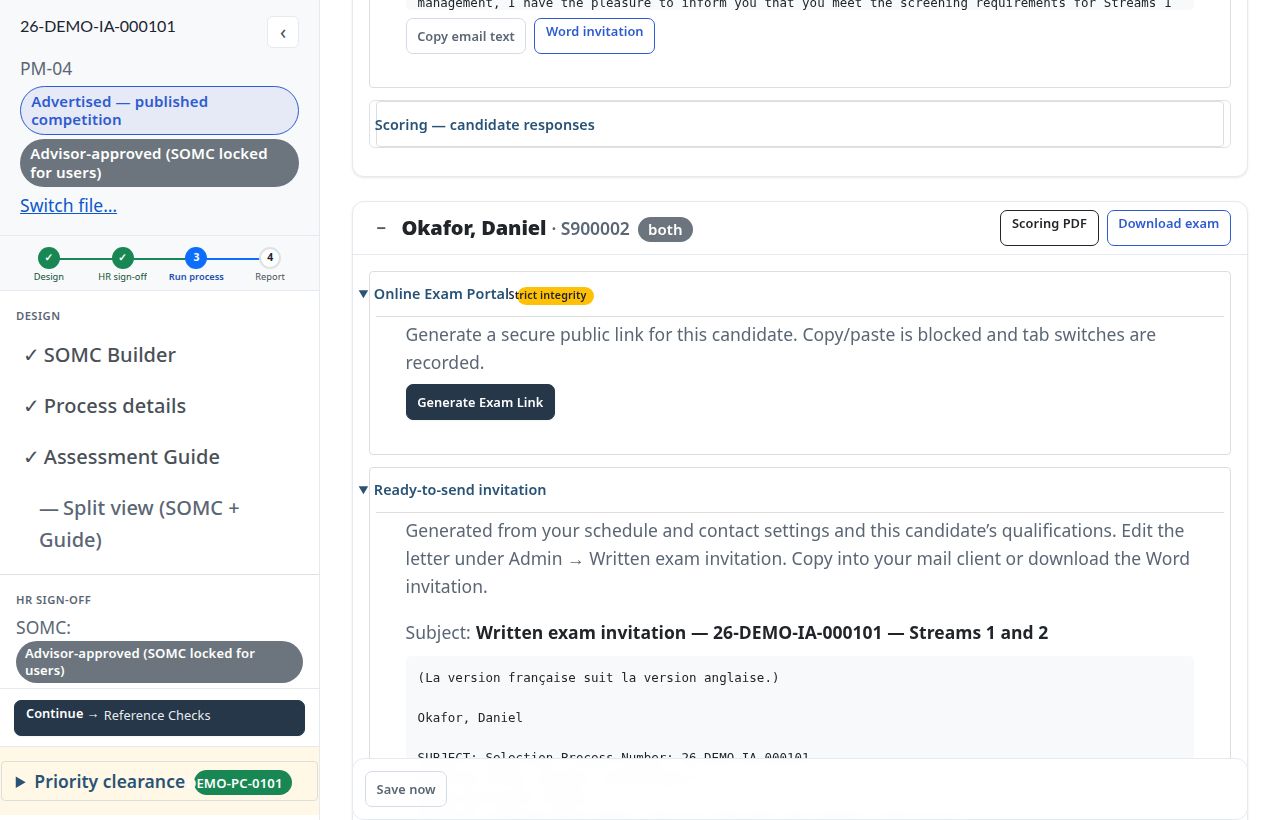
Written exam. Bilingual invitations and secure online exam links generated for each candidate.
Assessment Summary Report. Built from the decisions already recorded, ready to export.
Read exactly how Attest works before you book a demo. The same guides are built into the application, in English and French.
For hiring managers and HR advisors: running a staffing process from the merit criteria to the Assessment Summary Report.
Download PDFFor administrators: approvals, user accounts, file ownership, predefined criteria, the question bank, letters and records retention.
Download PDFInstallation guide, security architecture, accessibility test report and software bill of materials, for your IT team and security assessment.
Request the packageA 30-minute walkthrough on a competition like yours shows where the time goes and where the copy-paste risk disappears. Attest runs on your department’s infrastructure, so candidate data stays in your environment.